Automation for freelancers: fewer emails, more paid work
The minimum workflow to stop repeating the same stuff every time: leads, proposals, onboarding and invoices.
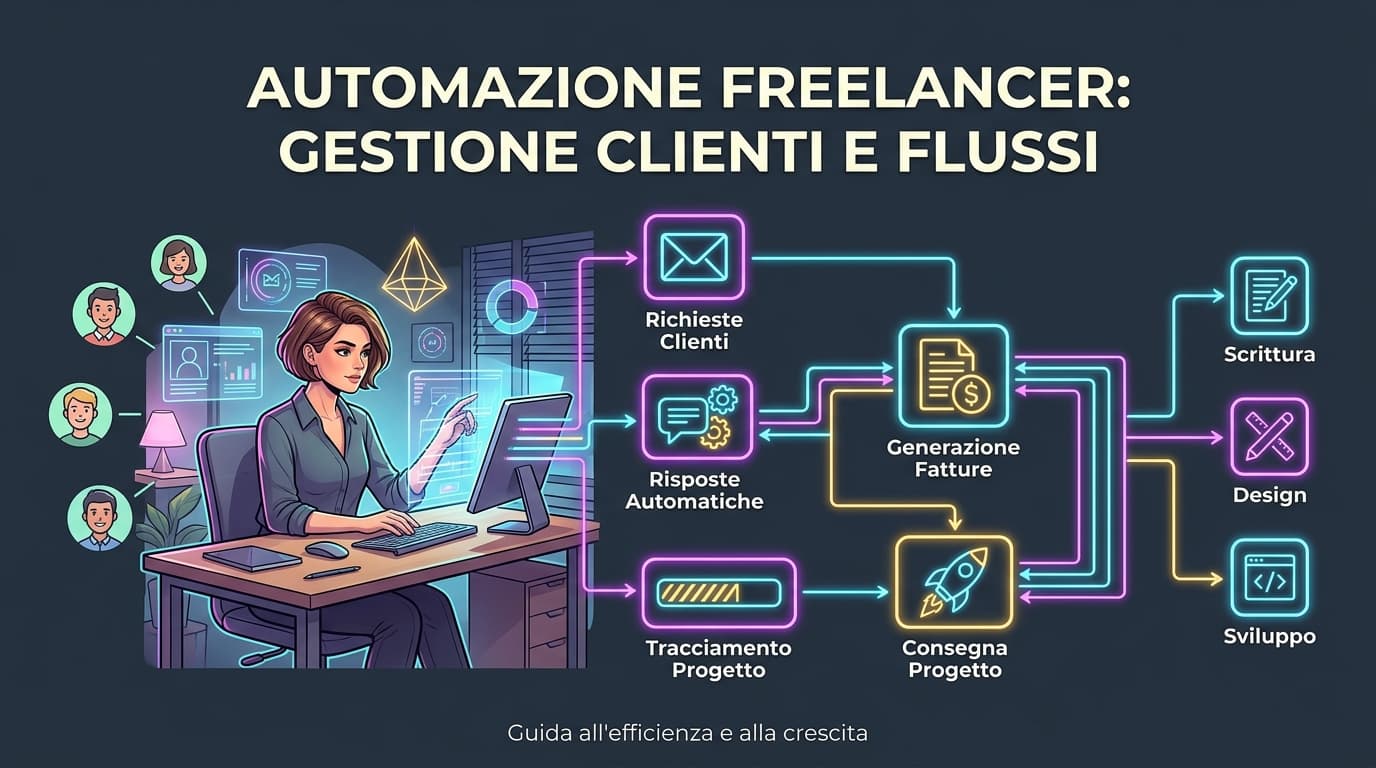
As a freelancer you lose more time than you think. Emails, proposals, messages, project folders, invoices.
Not because you work badly. Because you redo the same stuff for every client. Every time. From scratch.
That's what automation is for: killing repetition. Not making your work impersonal.
A simple workflow
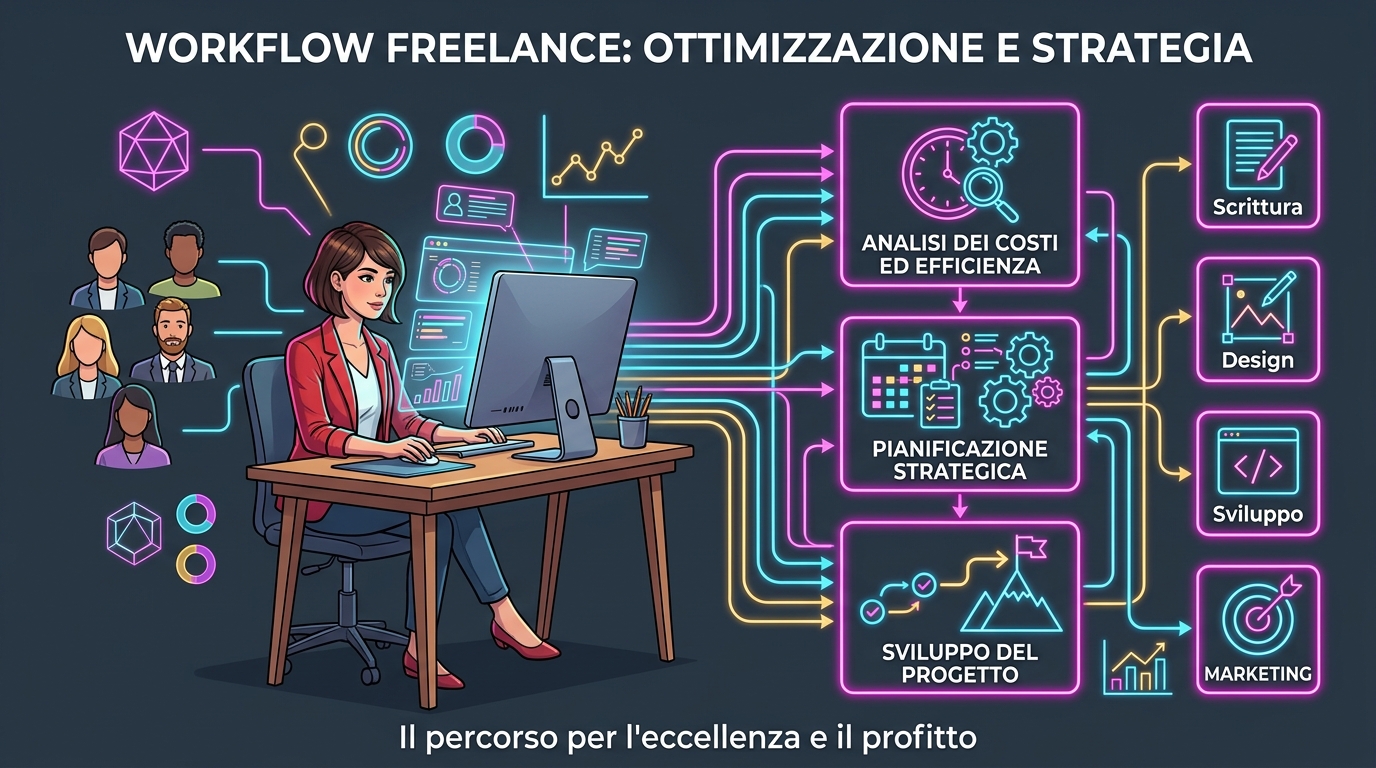
You need one clear path:
Lead → call → proposal → approval → work → invoice
Every stage has a next action. Period.
New lead? Short form, collect info. Proposal accepted? A checklist kicks off. Delivered? Invoice reminder kicks off.
If you improvise every time, the problem isn't the client. It's you.
Three things to automate
1. New leads
A form collects name, request, rough budget and contact. No more losing three messages just to understand what they need. And no more losing the fourth because you forgot to reply.
2. Onboarding
After approval or deposit, a message goes out with next steps and a checklist: materials, access, calls, deadlines.
The client knows what to expect. You know what's missing. Nobody has to write "where are we?" for the fifth time.
3. Invoices
Reminder before due date. And one after. Invoices shouldn't hide in your inbox. Which is exactly where they always end up.
AI helps, but does not decide
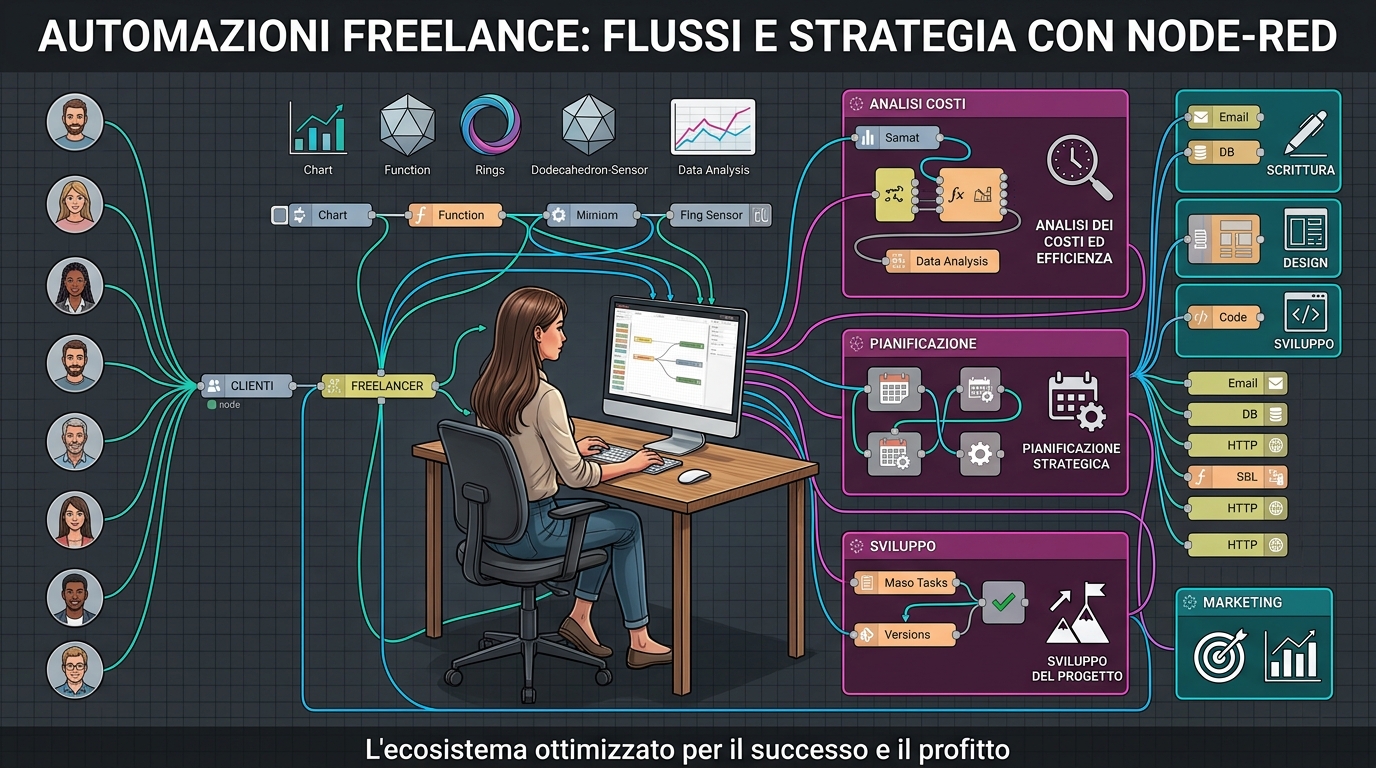
Use AI to summarize a brief, draft an email, turn a call into a checklist or start a proposal from a template.
But always check price, conditions, contract and important messages before sending. AI gets you moving faster. Responsibility stays yours. Always.
If it gets it wrong, "AI wrote it" isn't a defense that holds.
Start with one thing
Don't install ten apps. Don't build a startup dashboard you'll open twice and abandon.
Pick the admin task you repeat most. Build a simple template first. Then automate one trigger: new lead, accepted proposal, upcoming invoice.
A minimal system you actually use beats a mega-dashboard you abandon after a week. And you already know that. Because you've already done it.